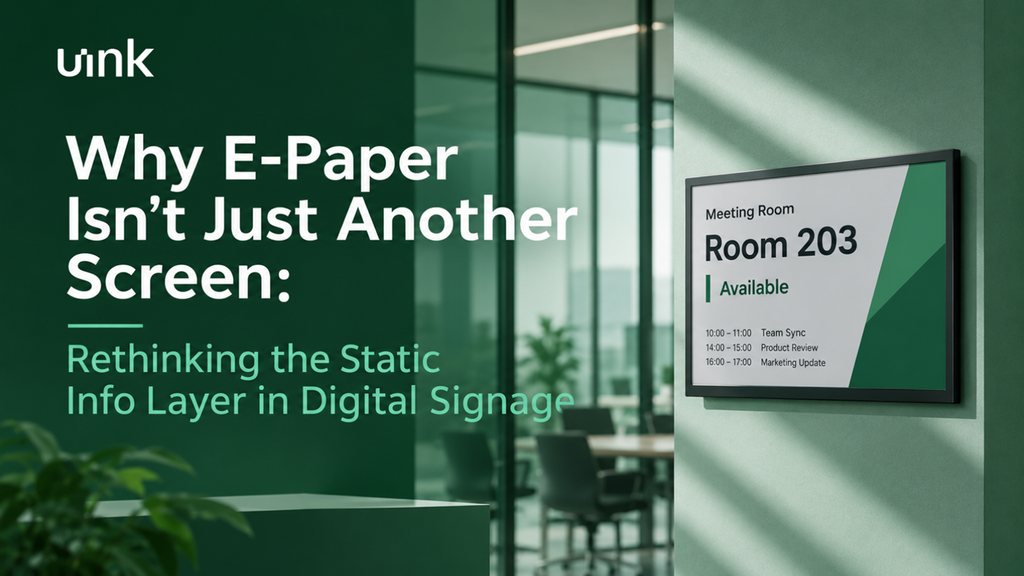
Why E-Paper Isn’t Just Another Screen: Rethinking the Static Info Layer in Digital Signage
2 minutes read time
If you build digital signage networks, you probably know the drill. A client wants screens everywhere—lobby directories, menu boards, wayfinding kiosks, meeting room schedules. Naturally, the default reaction is to spec out LCDs or LEDs for every single spot.
They look bright, they move fast, and they are familiar. But have you ever stopped to think about whether a flashing, high-power display actually makes sense for a static room schedule or a building directory that changes twice a day?
More importantly, have you looked at the installation and running costs lately?
Let’s talk about a different way to look at e-paper. It’s not here to fight LCDs for your flashy video walls. Instead, it solves a completely different set of problems—serving as the ultra-low-power, always-on static information layer your projects have been missing.
The Real Problem with “More Screens Everywhere”
When system integrators and solution providers pitch digital signage, the conversation usually focuses on hardware specs: brightness, refresh rates, resolution.
But once those screens are on the wall, the end-client has to deal with reality:
- Power constraints: Running heavy power cabling to every single wall, pillar, or glass partition is expensive and sometimes structurally impossible.
- Content fatigue: Not every piece of information needs full motion video. A door sign showing who booked a meeting room doesn’t need 60 frames per second.
- Visual comfort: In brightly lit offices or sunlit retail corridors, standard displays often wash out or create heavy glare, while traditional paper-like surfaces remain crystal clear.
This is where inexperienced projects stall. You end up over-engineering simple informational touchpoints just because standard digital signage tools only come in one flavor: power-hungry and complex.
E-Paper’s True Role: The Static Information Layer
Instead of viewing e-paper as a weak LCD substitute, think of it as a dedicated layer in your digital signage architecture.
E-paper shines precisely where traditional displays struggle. Because it only consumes power when the image actually changes—drawing zero electricity to hold a static image for hours or days—it opens up deployment spots you previously had to write off:
- True Cable-Free Placement: Without the need for continuous AC power, you can mount displays on historic walls, glass doors, and moveable partitions.
- Readability in Direct Sunlight: E-paper reflects ambient light just like real paper. The brighter the room or outdoor sunlight, the sharper it looks, with zero glare.
- Always-On Clarity: It stays visible even if the main power grid cuts out or your network connection drops, making it exceptionally reliable for critical messaging.
For a CMS vendor or SI, this means you can expand your software’s reach into zones of a building that were previously too costly or difficult to wire up.
What This Means for Your Next Project
If you are an SP, SI, or software platform looking to stand out from the crowd, stop trying to force LCDs into every corner of a building.
Look at the workflow. Ask your clients: Where do people spend minutes reading static info that only updates occasionally? That is your entry point. By pairing your existing CMS workflows with low-power e-paper endpoints, you give clients a complete, balanced ecosystem—high-impact motion video where it matters, and clean, zero-power static displays everywhere else.
Subscribe to uink Newsletter
Be the first to know about our product updates, and explore sustainable e-paper solutions for your business: